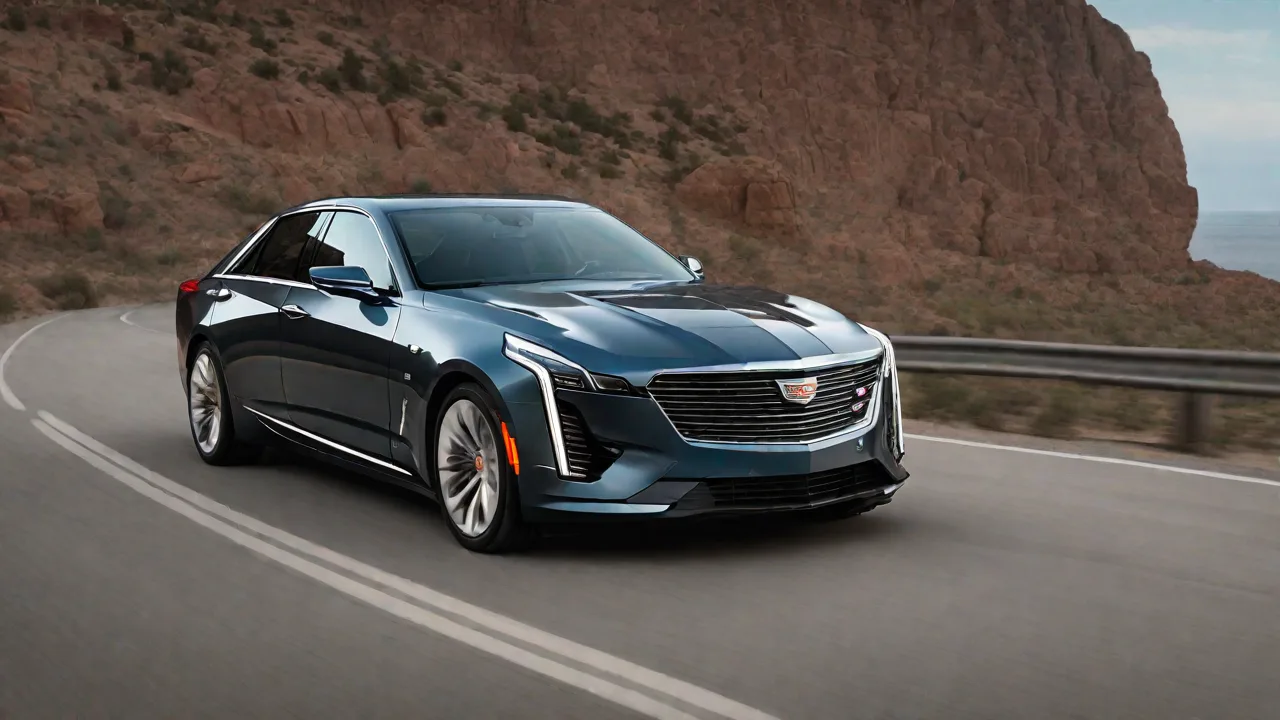
How to Use Voice Commands to Control Cadillac Super Cruise Features
Cadillac's Super Cruise is a cutting-edge driver assistance feature that allows for semi-autonomous driving on compatible highways. Using voice commands to control Super Cruise enhances safety and convenience by enabling hands-free operation. This guide explains how to effectively use voice commands to manage Super Cruise features in your Cadillac vehicle.
Understanding Voice Command Capabilities
Cadillac's voice recognition system allows you to activate and control various Super Cruise functions. These include enabling or disabling Super Cruise, adjusting speed, changing lanes, and more. Familiarity with common voice commands ensures a smoother driving experience and helps maintain focus on the road.
How to Use Voice Commands with Super Cruise
To use voice commands, follow these steps:
- Ensure your vehicle is equipped with the latest software updates for optimal voice recognition performance.
- Press the voice command button on your steering wheel to activate the system.
- Speak clearly and naturally, using commands such as "Activate Super Cruise" or "Set speed to 65 miles per hour."
- Follow any prompts or confirmations provided by the system.
Common Voice Commands for Super Cruise
- "Activate Super Cruise."
- "Deactivate Super Cruise."
- "Set speed to [number] miles per hour."
- "Change lane to the left."
- "Change lane to the right."
- "Pause Super Cruise."
- "Resume Super Cruise."
Tips for Effective Voice Control
For the best experience, speak commands clearly and wait for system confirmation before issuing additional commands. Avoid noisy environments that may interfere with voice recognition. Regularly update your vehicle's software to access new features and improved voice command accuracy.
Safety Considerations
While voice commands make controlling Super Cruise more convenient, always stay attentive and ready to take control if necessary. Never rely solely on automation; maintain awareness of your surroundings and adhere to traffic laws. Use voice commands as a supplement to attentive driving, not a replacement.